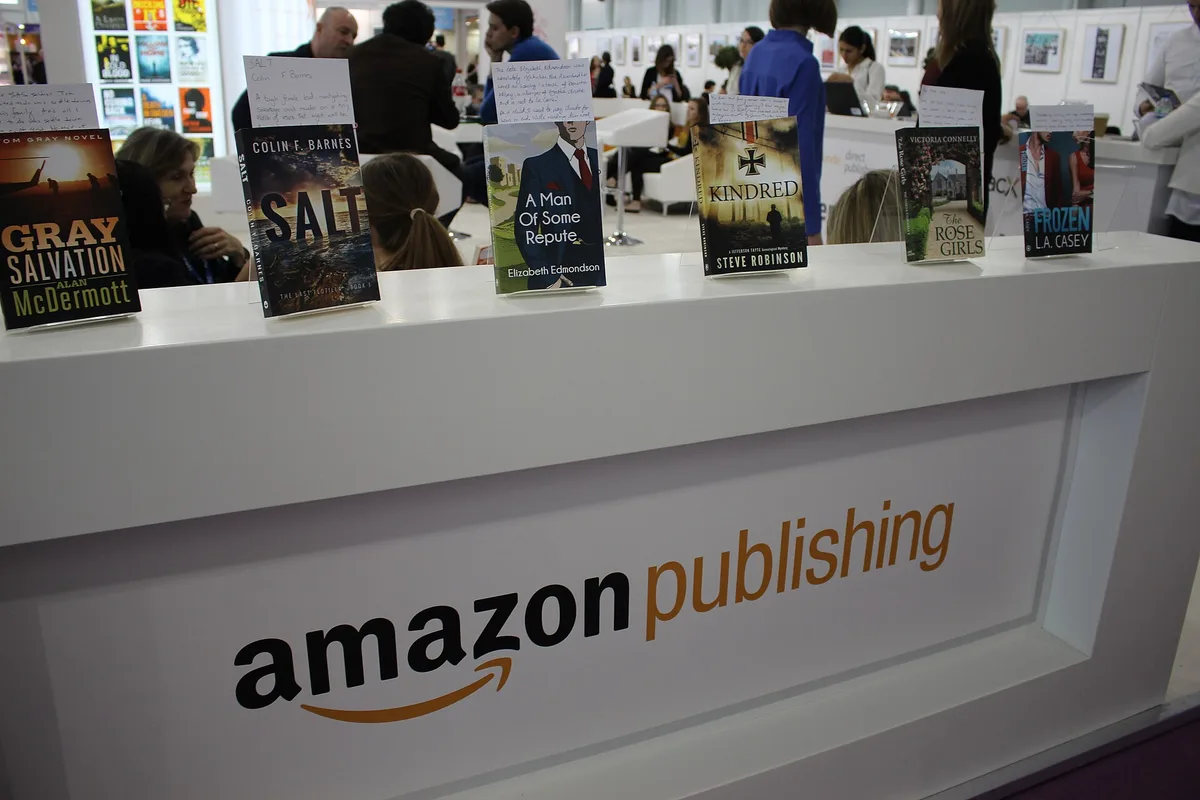
Publishing a book on Amazon is free, and the platform pays royalties of up to 70% on ebooks and up to 60% on print, according to Amazon's Kindle Direct Publishing page. The catch is that those headline rates are ceilings, not guarantees. The rate you actually earn depends on decisions — format, list price, and whether you enroll in KDP Select — that you lock in during setup.
This guide walks through the process in the order you will face it: account setup, manuscript and cover files, metadata, pricing, and the enrollment choices that change your royalty math. The mechanics are simple. The trade-offs are where the work is. This connects to our earlier piece, How to price a paid newsletter without killing conversion: a working guide.
It is worth naming what KDP is not, too. It is not a publisher in the traditional sense — Wikipedia's overview of the publishing process lists stages like commissioning, copy editing, design, and proofreading that a traditional house performs for you. With KDP, you perform them, or you hire someone to. The platform supplies printing, distribution, and the storefront. Everything upstream of upload is your responsibility.
What is KDP, and what does it actually cost?
Kindle Direct Publishing is Amazon's self-publishing platform. It handles both digital and print. You upload a manuscript, set a price, and Amazon lists the book in its stores. Per Amazon's own description, the service operates in more than 10 countries and over 45 languages, and new books can appear on Amazon stores within 72 hours of upload.
There is no upfront fee. Amazon takes its cut from sales rather than charging for access. That distinguishes it from paid self-publishing service companies, which charge packages that run into the thousands of dollars. For context, one review site's 2026 buyer's guide lists full-service publisher Outskirts Press at package prices from $999 for a printed book or $599 for an ebook, with specialty packages reaching $6,500 to $9,000 depending on genre, according to Top Consumer Reviews. KDP charges nothing comparable — because it does none of that work. You bring the finished, edited, formatted book.
How do you set up an account and publish?
The setup is a short sequence, and Amazon describes it as three steps. In practice, here is what each one involves:
- Create the account. You sign up at kdp.amazon.com with your Amazon login, then enter tax information and bank details so royalties can be paid. Do this first — payments cannot flow without it.
- Prepare the files. For an ebook, that means a manuscript file (Word and EPUB formats are accepted) and a cover. For print, you need an interior formatted to a trim size and a cover that wraps the spine, which depends on your page count.
- Fill in the listing and publish. Title, subtitle, description, keywords, categories, and price. Once submitted, the book goes live in Amazon's stores, typically within the 72-hour window Amazon states.
One structural choice matters here: ebook and paperback are separate editions on KDP, each with its own files and settings. Most authors publish both, but you can start with one and add the other later.
How do the royalty options work?
Ebooks have two royalty tiers: 70% or 35%, per Amazon's KDP page. Which one applies depends on your ebook's content and the countries where it sells, per Amazon's description. The practical takeaway is that the 70% rate is conditional, not automatic — check the current terms on Amazon's royalty pages before setting your price, because the conditions determine which tier your book lands in.
Print books earn up to 60% on paperback and hardcover sales through KDP. Note the word "up" again. Print-on-demand means Amazon subtracts its printing cost from each sale, so your per-unit earnings vary with page count, trim size, and whether the book is printed in black and white or color. A longer book earns less per copy at the same list price. That is not a reason to pad or cut — it is a reason to know your printing cost before you set the price.
Should you enroll in KDP Select?
KDP Select is an enrollment program for ebooks. Enrolling makes your ebook available through Kindle Unlimited, Amazon's subscription reading service, and you earn royalties for each page read by subscribers, according to Amazon's materials. Amazon's homepage also advertises total KU author earnings figures — a self-reported platform-level number, not a promise about any individual book's income.
The trade-off is exclusivity. Enrolling in Select means the enrolled ebook cannot be sold elsewhere. For a debut author with no other retail channels, that is often a reasonable bet on subscription-page revenue. For an author with an established audience on other stores, it is a real cost. The decision is about where your readers already are, not about the program itself.
Which metadata decisions actually move discoverability?
Metadata is the unglamorous part of publishing a book on Amazon, and it is where most self-published listings underperform. Three fields do the heavy lifting:
- Keywords. KDP gives you keyword slots per edition. These are search terms readers might type. Generic words waste the slots; specific phrases that describe your actual book use them.
- Categories. You choose browse categories that place your book in Amazon's virtual shelves. A narrower, more accurate category puts your book against a more relevant field of competitors.
- Description and cover. The description is sales copy, not a summary. And the cover is the first filter every potential buyer applies — we have covered how book cover design shapes what you read before you open the book, and the same logic applies at thumbnail size on a retail page.
None of this is optional polish. On a storefront with no shelf space and no bookseller, metadata is the merchandising.
What does this mean for your publishing plan?
Our analysis of the economics is simple: KDP shifts the cost of publishing from money to labor. The platform is free, and the royalty rates are competitive on paper. What you give up is the professional layer — editing, design, positioning — that traditional publishers provide, and that Wikipedia's account of the publishing process treats as standard stages, not extras.
So budget accordingly. If you spend nothing on editing or cover design and publish a rough manuscript, the 70% royalty applies to a book few readers finish or recommend. If you invest in those stages and treat metadata as seriously as the manuscript, the royalty applies to a book that can compete. The rate is the same either way. The denominator is not. Readers following this should also see How book cover design shapes what you read before you open the book.
A useful next step: before you upload, write down your list price, your estimated per-unit royalty after printing costs, and the three keyword phrases you expect readers to search. If you cannot state all three plainly, you are not ready to publish — you are ready to plan. And if your book sits alongside a broader author platform, the retail math rhymes with what we've written about how platform fees compare across creator publishing tools — the platform's cut matters less than the audience you bring to it.